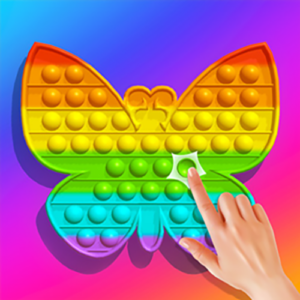
Pop It 3D Fidget Toy Maker

🎮 How to Play
Step 1 — Choose Your Toy Mold: As soon as you click the big Play button, your luxury factory counter will open up. Use your mouse or tap with your finger to select your favorite 3D silhouette—like a majestic unicorn, a soaring rocket ship, or a giant heart!
Step 2 — Tap and Drag to Build: Use your finger or mouse to interact with the raw materials. Click and pour the colorful liquid silicone into the mold chambers, drag the hot baking press down to solidify the toy, and swipe your paintbrushes to coat the rubber in bright shades.
Step 3 — Click the Green Arrow to Pop: Once your custom 3D toy is beautifully crafted and painted, a sparkling arrow or checkmark ($checkmark$) will appear. Click it to unlock full interactive access to your toy, then simply tap each bubble to watch it push down with a crisp popping effect!
Step 4 — Flip and Repeat: When all the bubbles are pressed down, click the Flip button to turn the 3D toy over and pop them all backward! Hit the Reset icon to clear the desk and design a brand-new shape from scratch for free.