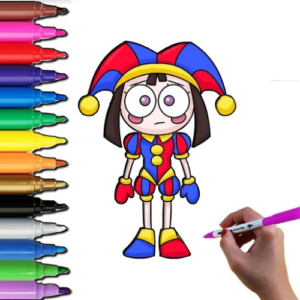
Pomni Coloring Time

🎮 How to Play
Step 1 — Pick Your Canvas Sheet: As soon as you click the big Play button, the main gallery wall will open up. Scroll through the collection of beautiful black-and-white outlines and tap your favorite scene to place it onto your drawing easel!
Step 2 — Select Your Magic Tool: Look at the bottom of the art desk to choose your coloring style. Click on the paint bucket for instant block-filling, the crayon for textured shading, or the marker for fine, crisp details. Then, pick a gorgeous color from the giant rainbow palette tray!
Step 3 — Tap to Create Art Magic: Move your mouse or tap your finger directly onto the section of the drawing you want to decorate. Watch it instantly fill up with color! If you accidentally color outside the lines or want to swap blue for pink, simply grab the soft Eraser tool to clean it up smoothly.
Step 4 — Add Stamps and Save: Once your canvas is completely bursting with color, look for the decorative section to add cute finishing stamps like smiling stars or hearts. Tap the virtual Camera button to save a picture of your masterpiece, or hit Reset to paint the canvas all over again for free!